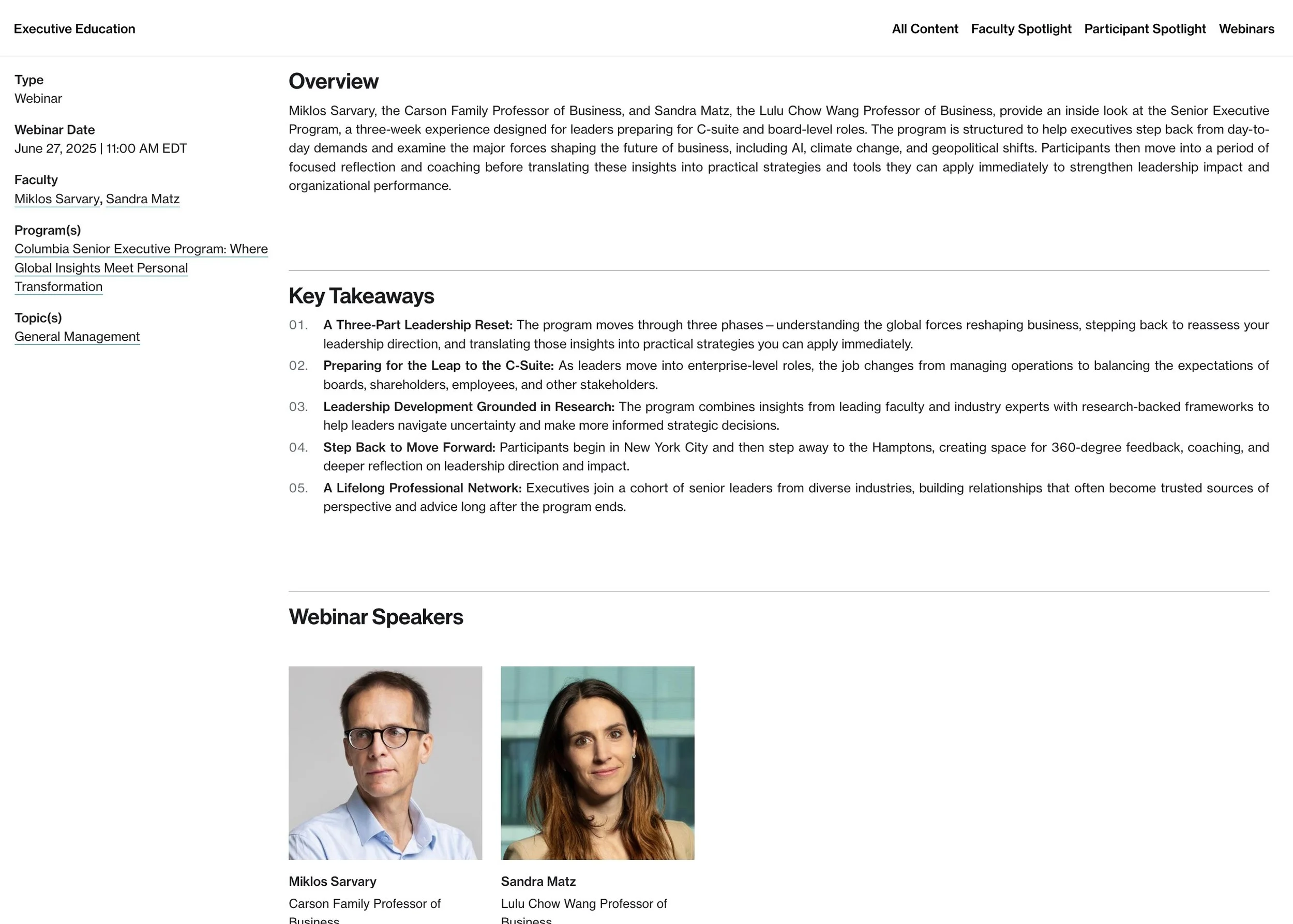
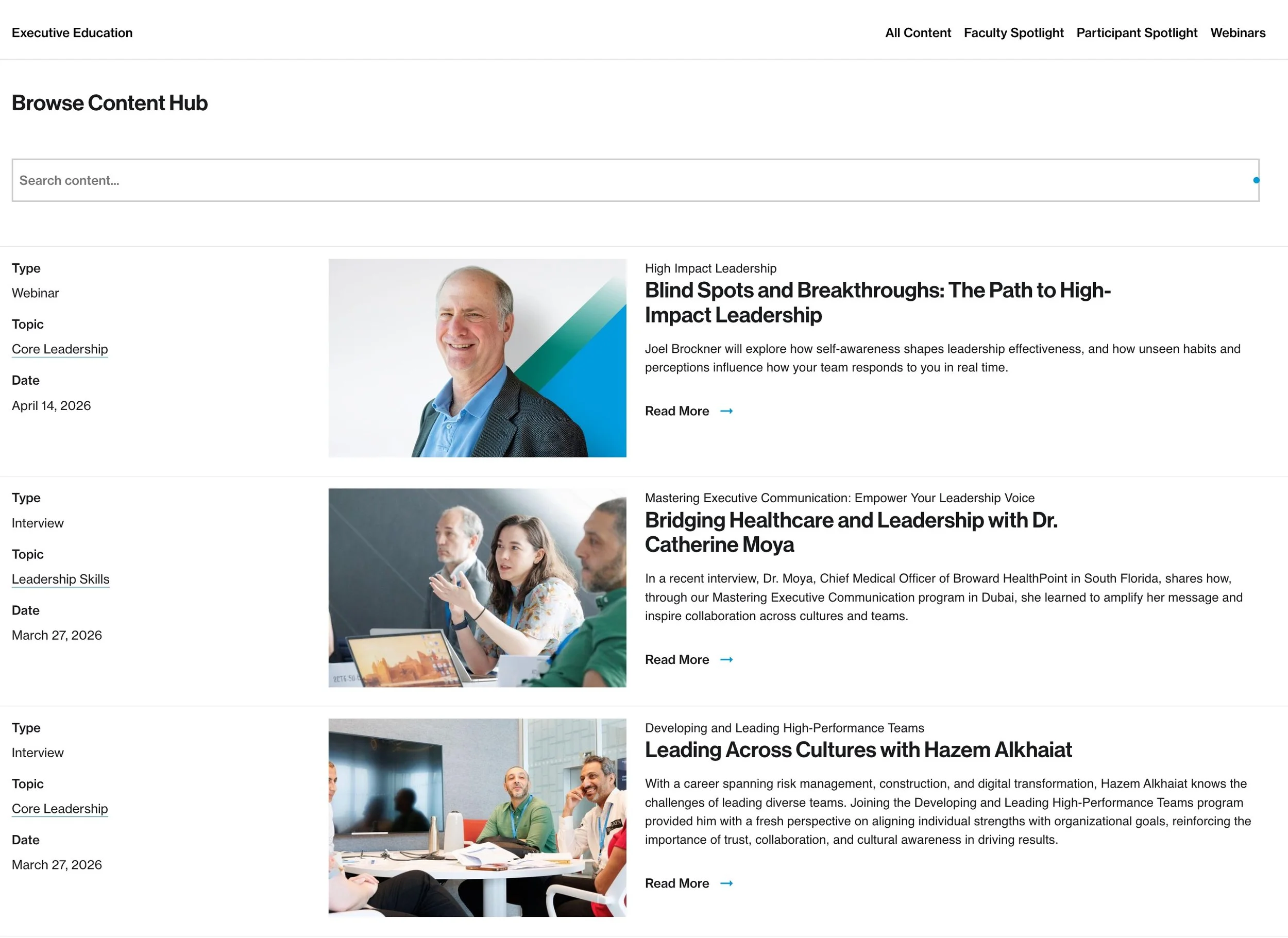
The Problem Was Never Content. It Was Access.
There’s a pattern I keep seeing across higher ed, SaaS, and frankly, most websites:
We don’t have a content problem.
We have a content accessibility problem.
At Columbia Business School Executive Education, we had a lot of content.
Faculty insights
Webinars
Case studies
Participant stories
Articles
Good content. Valuable content. Expensive-to-produce content.
And yet…
It was scattered.
Hard to discover.
Even harder to connect to programs.
So users did what users always do when systems fail them:
They bounced.
What Users Actually Do (Not What We Think They Do)
Before building anything, I like to reduce behavior to something brutally simple.
Visitors don’t “browse content.”
They do one of four things:
They’re exploring a topic (“AI in business”)
They’re evaluating credibility (“Who teaches this?”)
They’re looking for proof (“Has this worked for someone like me?”)
They’re getting ready to act (“Is this worth my time/money?”)
Most websites treat content like a library.
But users don’t behave like librarians.
They behave like decision-makers under time pressure.
So We Built a System, Not a Page
The Content Hub wasn’t just a “new section of the site”; it was a behavior layer.
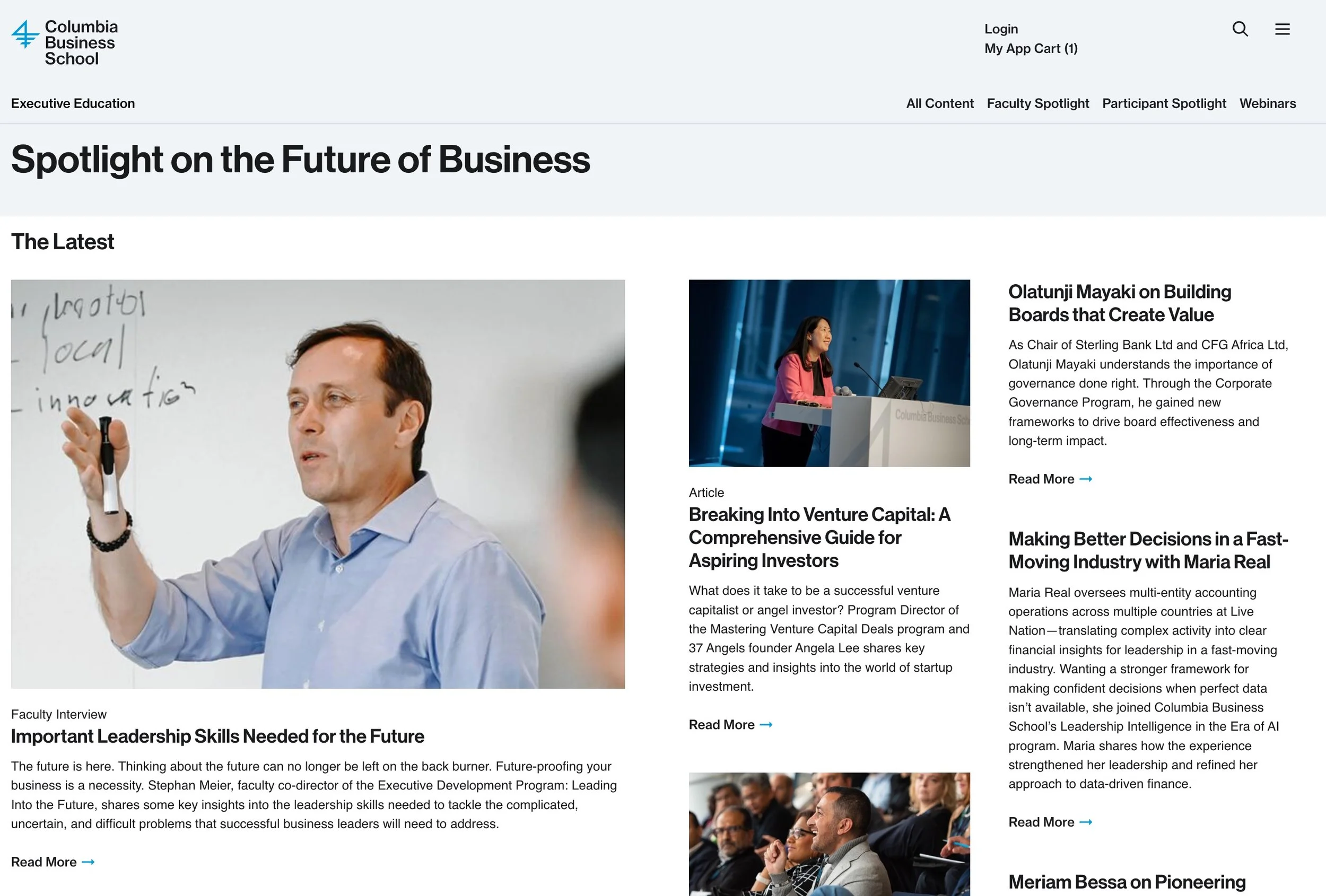
You can see the final product at https://execed.business.columbia.edu/content-hub
The goal wasn’t “store content.” The goal was:
Make content findable, contextual, tangible, and convertible.
The Core Shift: From Static Content → Dynamic Content System
Instead of thinking in pages, we thought in terms of content types and relationships.
1. Content Types Became “Distinguished Members.”
We defined clear types:
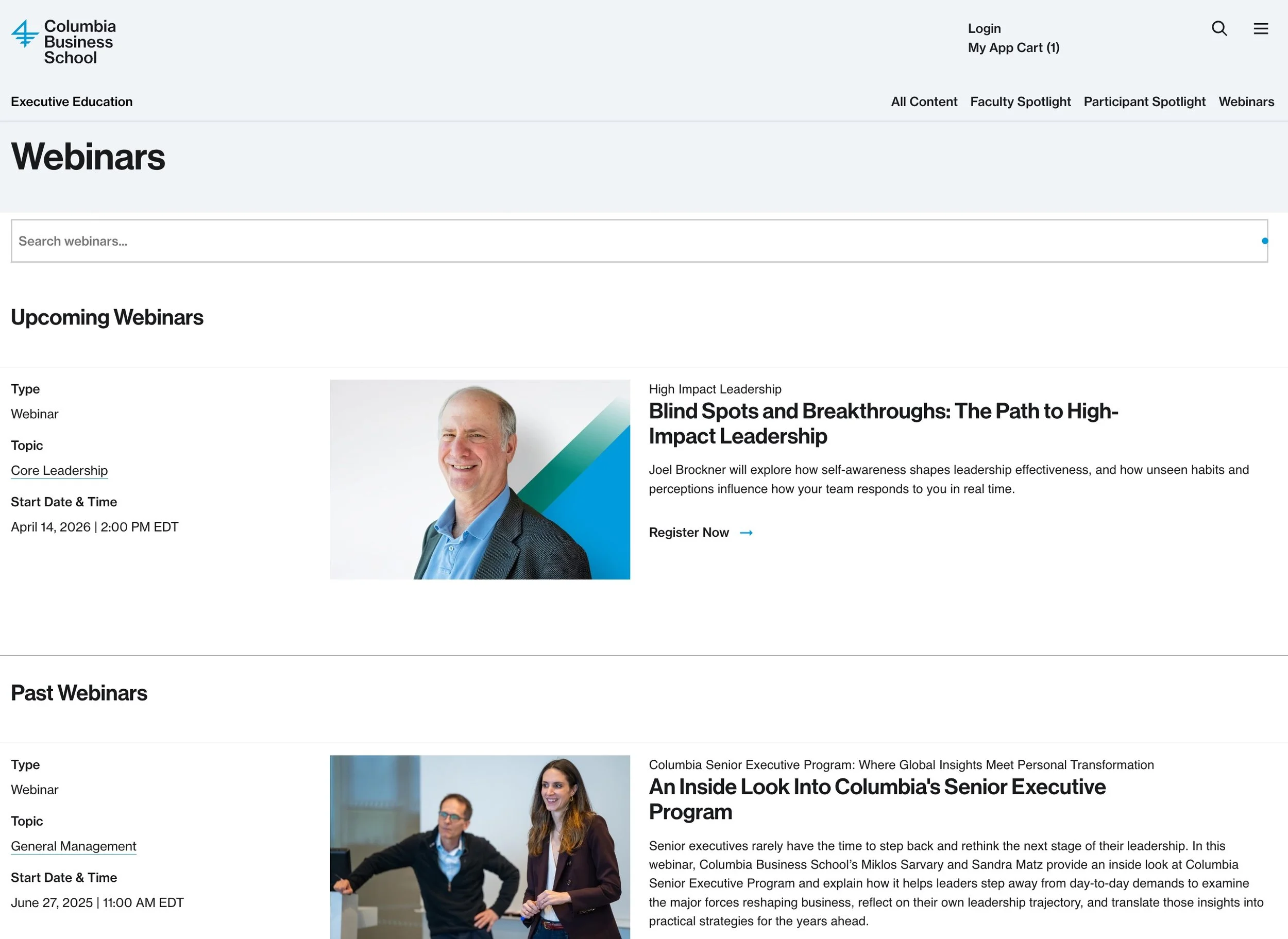
Webinars
Faculty Interviews
Participant Interviews
Case Studies
Articles
Each type had:
its own structure
its own homepage
its own behavior
This sounds obvious, but most systems blur everything into “a page.”
That’s where discoverability dies.
2. Everything Became Searchable
We implemented a unified search layer using Coveo.
Not just keyword search—intent-driven filtering:
Content type
Topics
Faculty
Programs
Date
This turned the experience from:
“Let me dig through your site.”
into:
“Show me exactly what I need.”
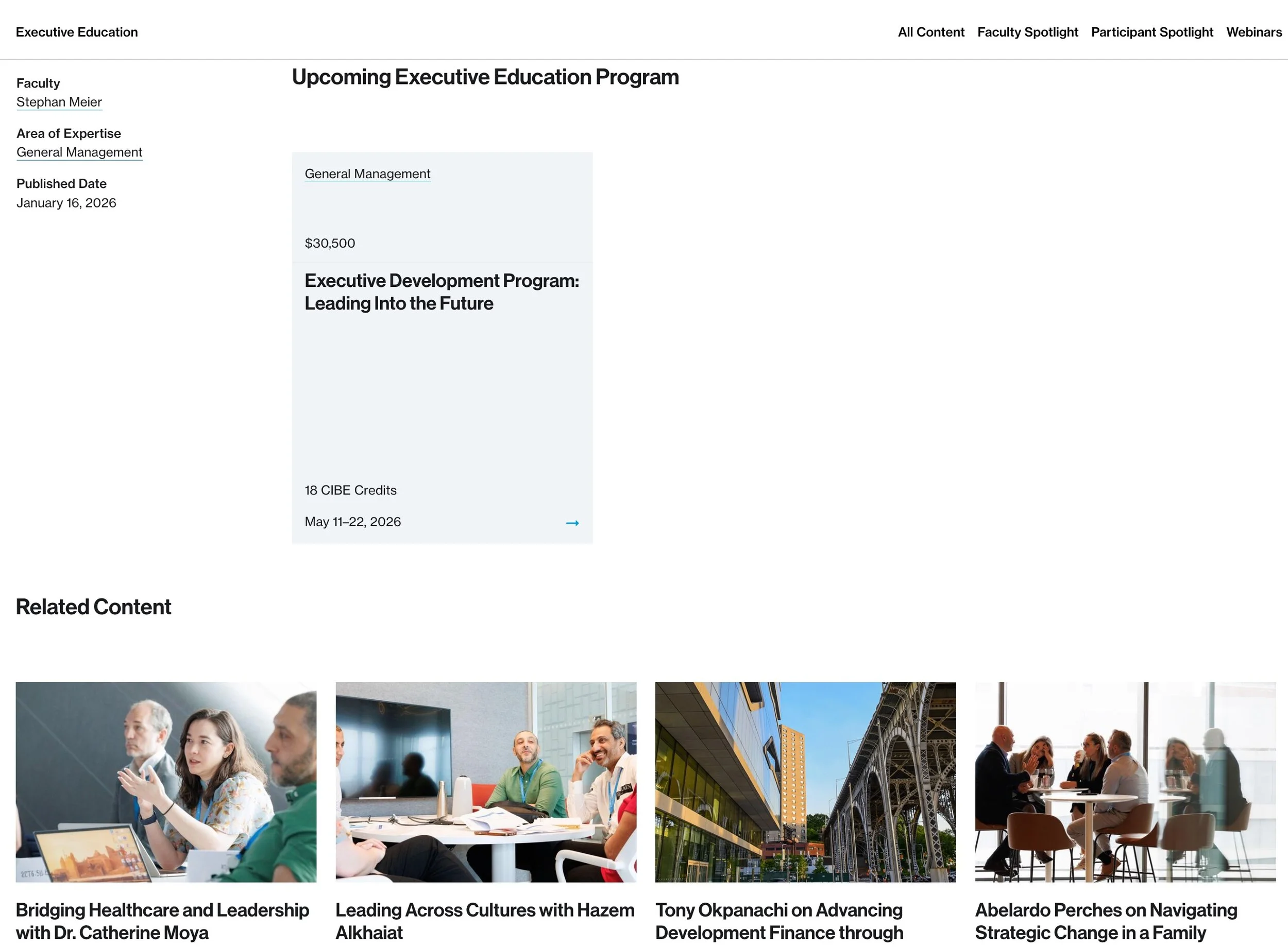
3. Content Was Designed to Be Reused
This is the part most teams miss. We didn’t just create content or just another blog platform; we made content portable.
A webinar could:
live on its own page
appear on a program page
show up in search
be featured on the homepage
Same object. Multiple contexts.
That’s how you scale content without scaling effort.
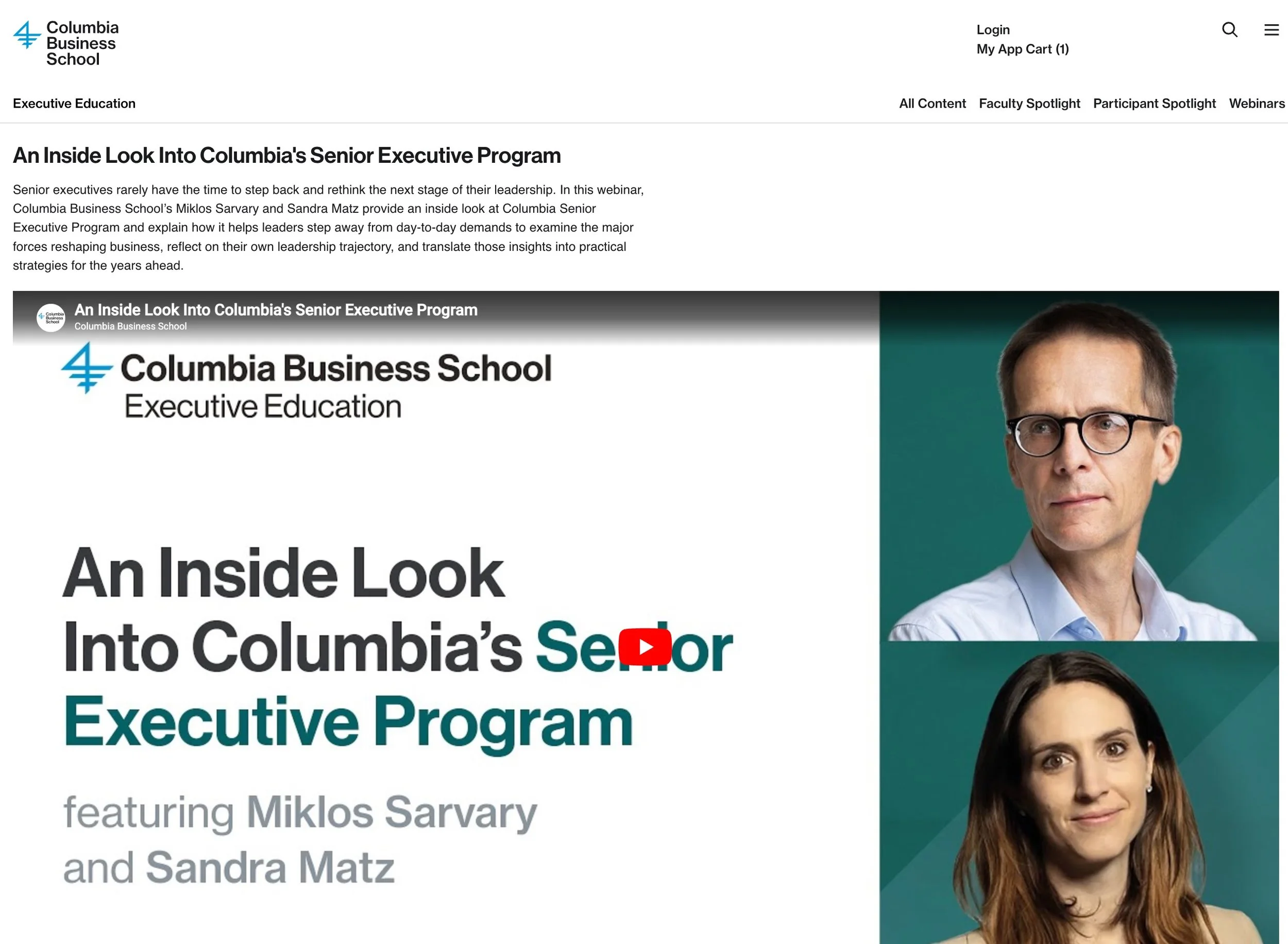
4. Gating Became Strategic
One of marketing’s main KPIs revolves around lead generation. Lead generation is a numbers game; the more, the better, as qualified leads and subsequent conversions drive clear revenue growth. In many ways, the content is publicly accessible, and we added a feature for the marketing team to use when they wish to identify any content as “gated,” behind a lead-capture web form. Now, every piece of content becomes a lead-generation touchpoint for any product at any given time.
We separated content into:
Open content → discovery & trust
Gated content → conversion
Examples:
Interviews → open
Webinar recordings → gated
Case studies → gated (sometimes)
The rule wasn’t arbitrary.
It followed user intent:
Let them learn first. Ask later.
5. The “In-Between State”
One of my favorite small decisions, and one that took many meetings to flesh out the details with the business stakeholders and developers.
When a webinar ends…
But the recording isn’t ready to publish yet…
We temporarily remove the content from the site because a broken expectation kills trust faster than no content.
This kind of edge-case thinking is what separates a feature from a product.
What This Actually Enabled
Once the system was live, a few things started happening:
1. Content Became a Funnel
Instead of:
Content → dead end
We deployed:
Content → context → program → action
2. Marketing Became Faster, and Easier
Web editors could:
create content quickly
reuse it across pages
control visibility (including SEO exclusions)
No dev bottlenecks.
3. Programs Became More “Tangible.”
This was the original goal.
And it worked.
Instead of abstract program pages, users saw:
real faculty
real conversations
real outcomes
That’s what actually drives decisions.
Final Thought
If you’re building anything content-heavy—education, SaaS, media—the question isn’t:
“Do we have enough content?”
The question is:
“Can users use our content to make decisions?”
If the answer is no…
You don’t need more content. You need a system.